 3D Customizer
A design library and AI tools inside the builder
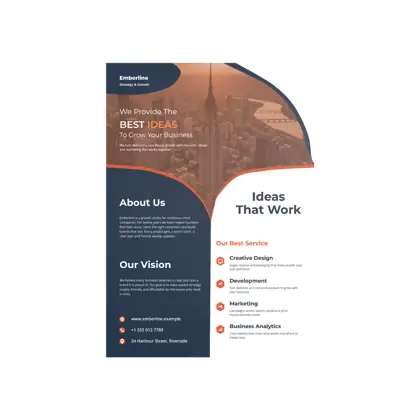
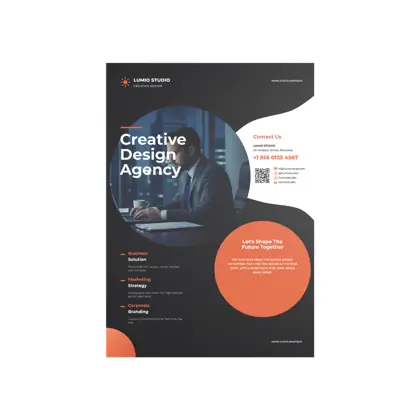
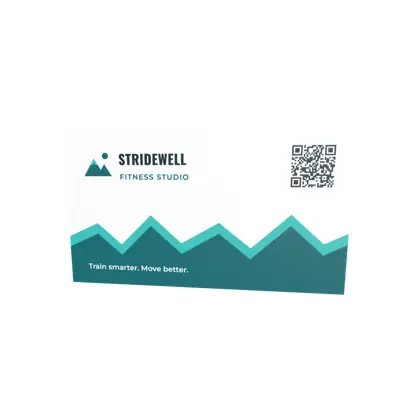
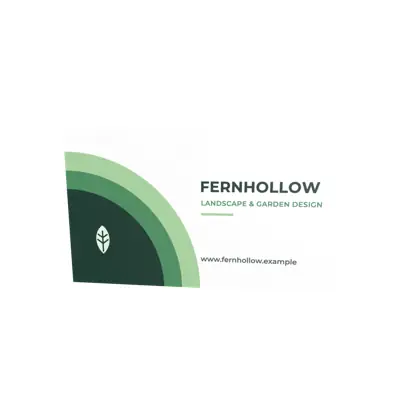
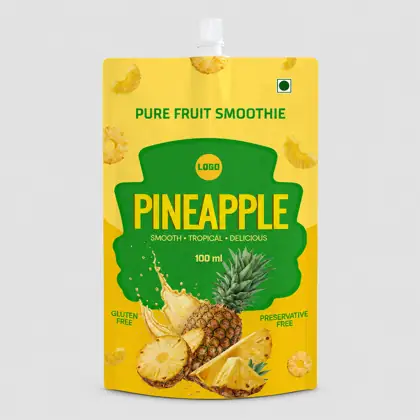
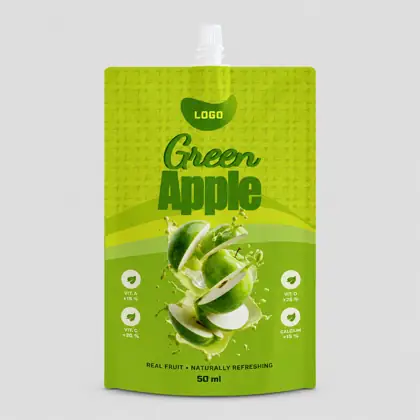
Customers start from a finished template or their own artwork and edit it in a 2D editor while the 3D model updates. AI tools clean up photos and turn an uploaded AI image into editable layers.
 AI design
Finishes your shoppers can see
Show shoppers the finish before they buy. Every finish is set up per product and previewed on it.
Spot UV
A clear gloss layer on chosen areas of a matte print. Move over the card to catch the light.
- Previewed live in 2D and 3D
- Exported as its own plate in the print file
What you get
Ready templates for cards, flyers, brochures, cartons, pouches, cans, apparel and more.
Text and fonts, photos, graphics, colour themes, patterns, layers, gradients and text on a path.
Split, 2D or 3D view, with front, back, side and top angles and a fold animation.
Remove background, auto enhance, denoise, sharpen, restore photos.
An AI-made image becomes separate, editable layers on the dieline.
Spot UV, foil, emboss, deboss, glitter, embroidery, puff and screen print.
How it works
- Customer picks a product and a template
- They edit in 2D and check it in 3D
- They save, and you get a print-ready file
Works with
See 3d customisation on your own jobs
Book a 30 minute demo with our team.